File Preparation RATES for Reproduction + Examples
Why am I charged a Set Up Fee when I’m supplying art?
When we receive your art it is not formatted to our printers. If we do not format it to our printers, there is no telling what the final product will be! At FlagandBanner.com, we want to do the best job for you. Quality and speed of service is very important to us and we want you to be satisfied with the end result. This requires us to reformat every design we receive and charge a set-up fee to insure your product is exactly the way it needs to look. Graphic art fees are non-refundable. A printable graphic arts requirement page is available.
For color calibration, a hard copy or PMS number for colors is required. Please see our Pantone Color Chart for assistance. Please Note: This chart is intended as a reference guide only. Computer monitors may not exactly match PANTONE®-identified color standards. Use current PANTONE® Color Publications for most accurate color.
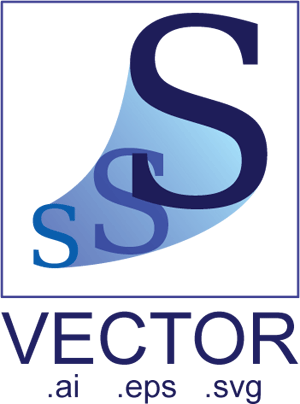
VECTOR line-based files
Vector art is usually associated with drawing programs like Adobe Illustrator. Scalable Vector Graphics (SVG) and Encapsulated Post Script (EPS) files are preferred. In a vector file, each image consists of various shapes, points, and connecting lines. Vector art does not have size limitations which is what makes this type of file the best for us to use. All fonts must be outlined or converted to curves. If this cannot be accomplished, then the font must be included with the art in True type format.
Vector line-based files can be reproduced clearly at any size. The files typically have these file extensions / file types:
.AI (Adobe Illustrator)
.EPS (Encapsulated Postscript)
.SVG (Scalable Vector Graphic)
.INDD (InDesign, accompanied by the packaged file contents)
.PLT (Plot File), .PS (Postscript Print File)
.CDR (CorelDraw file, accompanied by all links)
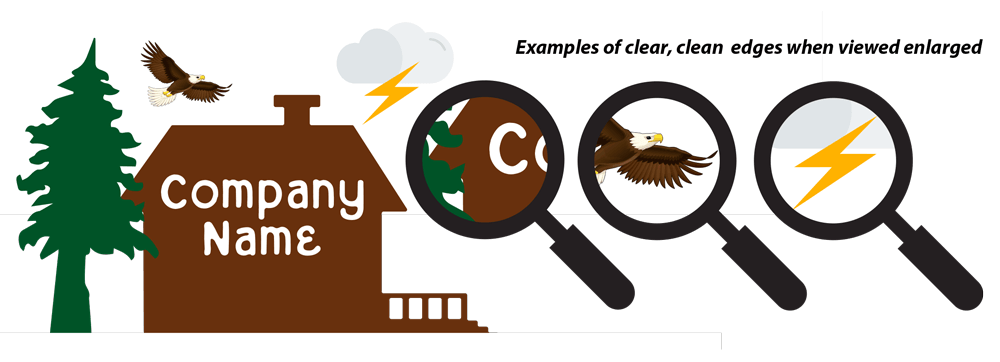
However, Raster (pixel-based) files can be "wrapped" in a vector-file type. For that reason, submitted art files must be checked and verified as very clear and sharp when viewed enlarged.
Vector art is usually associated with drawing programs like Adobe Illustrator. Scalable Vector Graphics (.SVG) and Encapsulated Post Script (.EPS) files are preferred.
All fonts / lettering within files must be outlined or converted to curves. If this cannot be accomplished, then the font must be included with the art in True Type or Open Type format.
Art files should be saved to either: FlagandBanner.com’s Dropbox or FTP site, a CD or DVD, or a Flash Drive (memory stick)
Class #1 / Vector, Rate = $28
A clear, sharp VECTOR art file that remains clear and sharp when viewed at any size. (Enlarge your artwork and view to verify).
RASTER pixel-based files
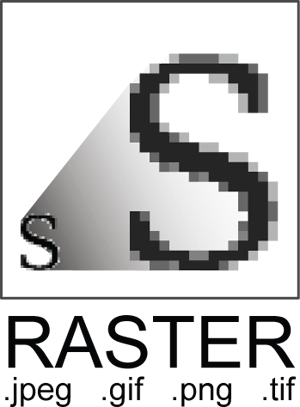
Raster art digital art composed of horizontal and vertical rows of pixels. It is usually associated with pixel-based programs like Adobe Photoshop. Limited usage, but manageable! Each image is made of screen pixels (like the images on websites, digital camera photos, or scanned images). These pixels make the file huge and when the file is enlarged, the pixels get larger and—unfortunately—easier to see. The proper pixels per inch (PPI or DPI) is required to prevent a jagged look in the final output:
Files must be set to the finished size and 100ppi or dpi (pixels/dots per inch) for optimal results. Files larger than 100ppi or 10MB file size are encouraged and acceptable.
For Example:
A 10-foot x 10-foot banner is full size at 120-inches x 120-inches set at 100 dpi (full size).
A 10-foot x 10-foot banner is half size at 60-inches x 60-inches set at 200 dpi (half size).
A 10-foot x 10-foot banner is quarter size at 30-inches x 30-inches set at 400 dpi (quarter size).
Still not sure you understand? Don't hesitate to call us at 1-800-445-0653.
If you need to have our Graphics Department design it for you, we'll be glad too!
The files typically have these file extensions / file types: .TIF, .PSD, .JPG, .PNG, .BMP, .GIF / Adobe Photoshop, GIMP, Pixelmator, Pixlr, Corel Paintshop Pro
Raster Art files should be saved to either: FlagandBanner.com’s Dropbox or FTP site, a CD or DVD, or a Flash Drive (memory stick)
Class #2 / Raster, Rate = $75
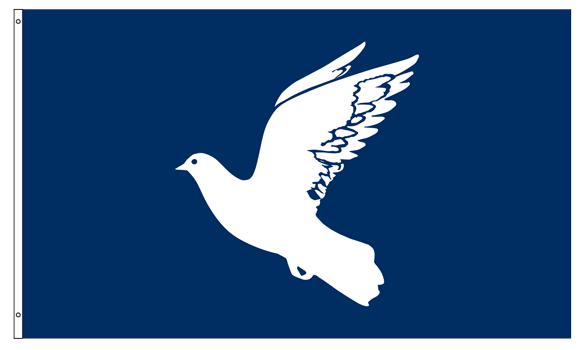
THIS IS A SIMPLE PICTURE/IMAGE
Simple, fuzzy RASTER pixel-based file that becomes fuzzier in appearance when viewed enlarged. (Enlarge your artwork and view to verify).

Class #3 / Raster, Rate = $125
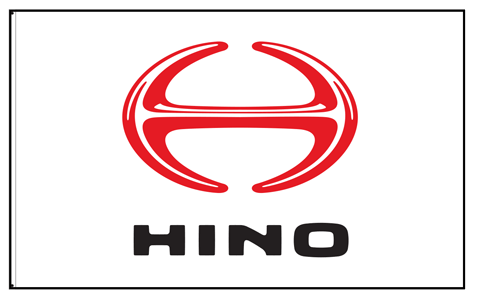
THIS IS A PICTURE THAT HAS MORE THAN A COUPLE SIMPLE ELEMENTS WITH WORDS.
Medium complexity. Elements include words, fuzzy RASTER pixel-based file that becomes fuzzier in appearance when viewed enlarged. (Enlarge your artwork and view to verify).

Class #4 / Raster, Rate = $150
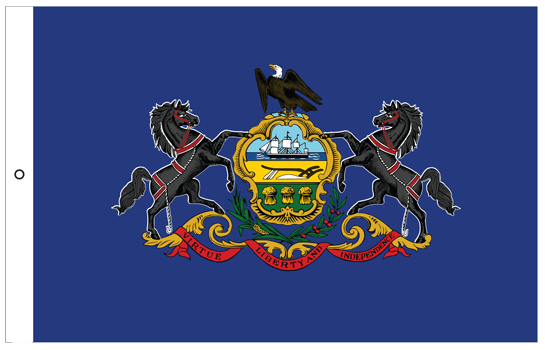
Elements include words, complex imagery.
Fuzzy RASTER pixel-based file that becomes fuzzier in appearance when viewed enlarged. (Enlarge your artwork and view to verify).

Class #5 / Raster, Rate = $250
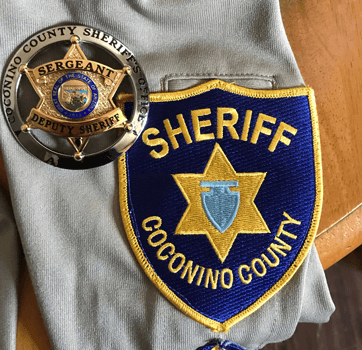
A blurry, fuzzy image, photograph or screen shot. Difficult to convert to a production file.
RASTER pixel-based file that becomes fuzzier in appearance when viewed enlarged. (Enlarge your artwork and view to verify).

What is Single Reverse?
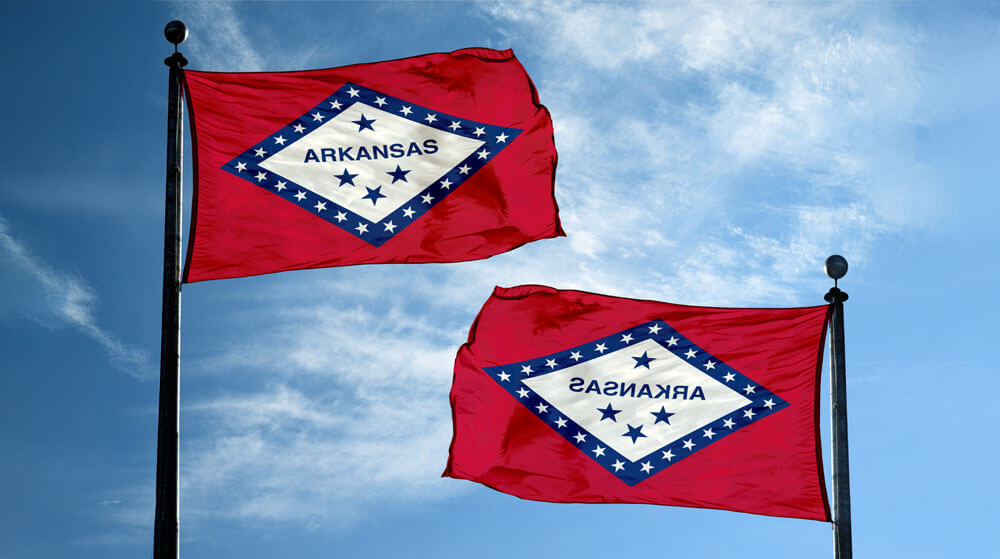
Most flags are single-reverse, so they show a reversed image on the back. The U.S. flag is single-reverse, but it is not noticeable because there are no words. Many state flags, like that of Arkansas, display text, which is reversed on the back. The only way to make a flag read correctly on both sides is to print two flags and sew them back-to-back with a liner in the middle to prevent a shadow. This construction is called double-sided, and it doubles the weight of the flag, causing it to hang limply on the pole. Occasionally, customers will insist on this construction, even though it is not recommended.
Check out our YouTube video on What's the Difference between Single-Reverse and Double-Sided Flags